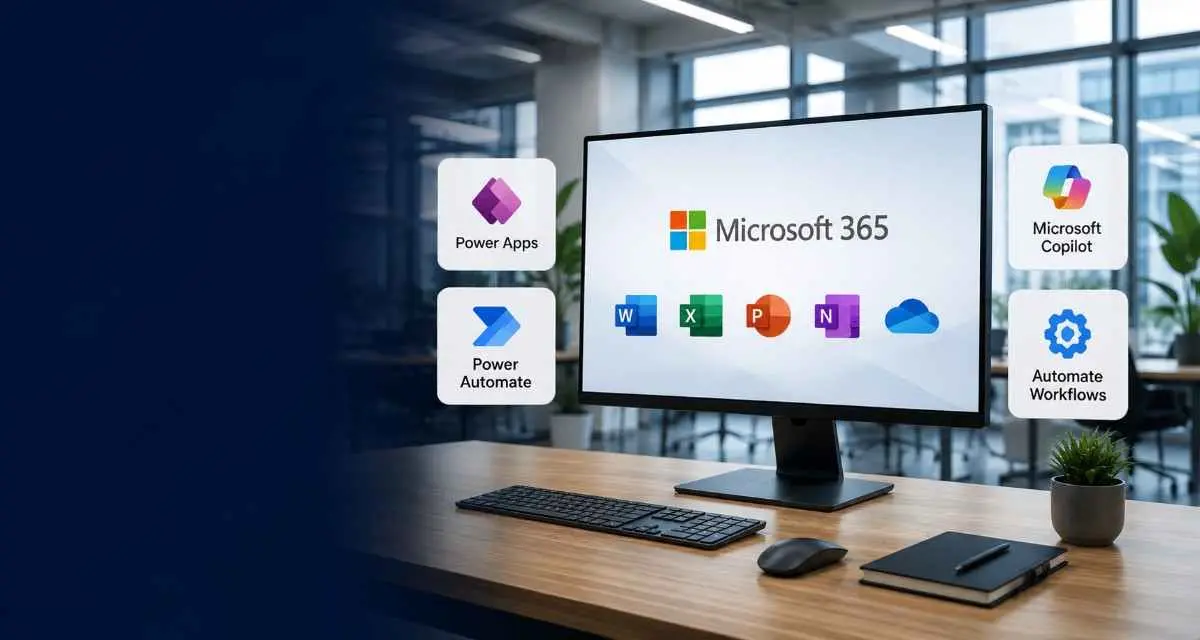
Microsoft 365 Solutions Built Around Your Existing Workflows
Power Apps, Power Automate, and Microsoft Copilot integration, turning manual processes into low-code applications.
What This Service Covers
Kastech Next works as a Power Apps development company for organizations already working inside Microsoft 365 who want to remove manual steps from their daily processes. This covers custom app builds, Power Automate workflows, and Microsoft Copilot integration, all built around tools teams already use rather than requiring a switch to something new.
Most of this work centers on business process automation: taking a process that already exists and removing the repetitive parts, rather than replacing the entire system. A Power Apps development company approach works well here specifically because it builds on infrastructure that's already in place, rather than asking a team to adopt something unfamiliar.
What's Included
| Capability | What It Does |
|---|---|
| Power Apps development | Custom low-code app development for internal tools and workflows |
| Power Automate | Automated workflows connecting existing apps |
| Microsoft Copilot integration | AI assistance built directly into daily tools |
| Business process automation | Removing manual, repetitive steps from existing processes |
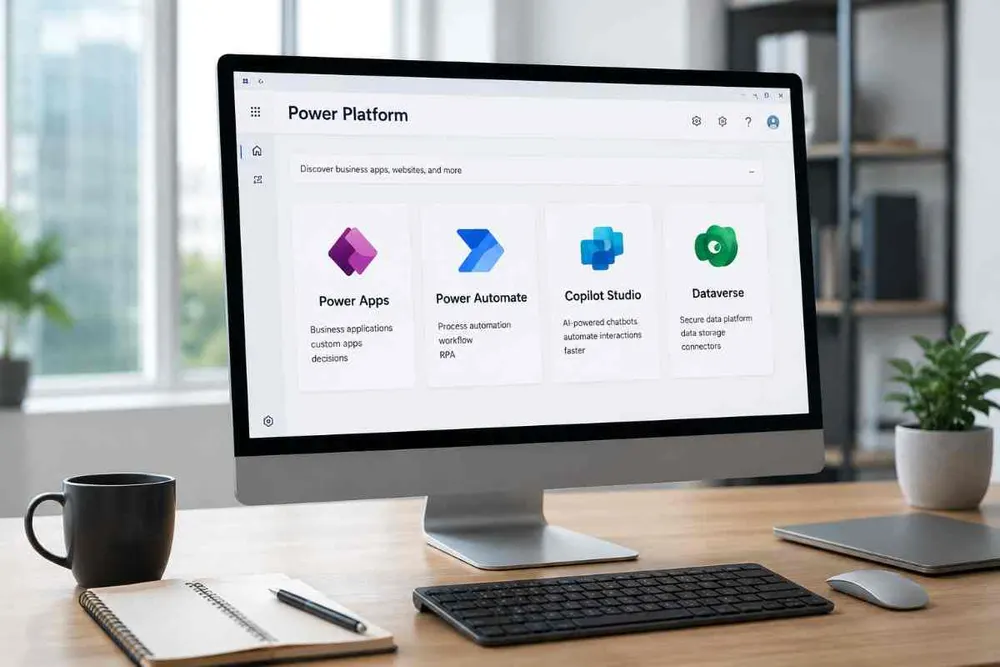
Why Low-Code App Development
Low-code app development moves faster than a fully custom build, which makes it a practical option for teams that need results without a long development cycle. Instead of months of custom engineering, a solution from a Power Apps development company can often be built, tested, and deployed in a fraction of the time.
This doesn't mean cutting corners. Low-code app development through Power Platform still involves proper planning and testing, just without the overhead of building every component from scratch.
Who This Is For
-
Already using Microsoft 365 daily
Solutions built inside tools the team already knows
-
Manual, repetitive internal processes
Business process automation through Power Automate
-
Need an internal tool without a long build cycle
Low-code app development via Power Apps
-
Want AI assistance without replacing existing systems
Microsoft Copilot integration added directly into current workflows
How a Project Typically Starts
- 1 Review which existing tools the team already relies on
- 2 Identify the manual steps costing the most time
- 3 Propose either a custom app build, a Power Automate workflow, or both
- 4 Add Microsoft Copilot integration where it genuinely helps
- 5 Deploy inside the existing environment, with support afterward
None of these steps require a long discovery phase. Most teams already know which process wastes the most time day to day, so the first conversation usually focuses on confirming that and scoping the right combination of tools to fix it.
Microsoft Copilot Integration in Practice
Microsoft Copilot integration works best when it's added to a process someone already understands, not dropped into a brand-new system nobody has used before. As a Power Apps development company, Kastech Next typically builds this into existing app or Power Automate workflows, so AI assistance shows up inside tools a team is already comfortable using rather than as a separate product to learn.


Business Process Automation Without Starting Over
A common assumption about business process automation is that it requires replacing an entire system. In most Microsoft 365 environments, that's not the case. Power Automate connects to tools already in daily use, automating the handoffs between them rather than rebuilding the underlying software from scratch.
Low-code app development plays a similar role. Rather than replacing an existing Microsoft 365 setup, most projects extend it, adding exactly the piece that was missing rather than starting over.