Web & Mobile Development for Public-Facing and Internal Tools
Responsive web builds on Angular and WordPress, paired with cross-platform mobile apps built on .NET MAUI and native APIs.
What This Service Covers
This service covers responsive web builds using Angular and WordPress, along with cross-platform mobile apps developed through .NET MAUI and native APIs. Whether the need is a public-facing website or an internal mobile tool for field teams, the same engineering standards apply across both.
iConceive is a working example of this pairing in practice: a cloud web portal for clinics, alongside an iOS and Android patient app that mirrors the same treatment journey, built and maintained by the same team.
Platforms and Tools
| Layer | Technology |
|---|---|
| Web | Angular, WordPress |
| Mobile | .NET MAUI (iOS & Android) |
| Integration | Native device APIs |
A public-facing website and an internal mobile tool solve different problems, but they often need to stay in sync: the same data, the same account, the same branding. Building both under one roof avoids the drift that shows up when a web team and a mobile team work from separate assumptions about how a feature should behave.
What's Included
-
Responsive web design.
Angular-built interfaces that work across desktop, tablet, and mobile browsers. -
Content-managed sites.
WordPress builds for teams that need to update content without a developer. -
Cross-platform mobile apps.
A single .NET MAUI codebase covering both iOS and Android. -
Native device integration.
Camera, notifications, location, and other native APIs where the app genuinely needs them. -
Ongoing maintenance.
Updates as operating systems, browsers, and dependencies change after launch.
Who This Is For
- Public-facing site that's outdated or hard to update A modern, responsive rebuild on Angular or WordPress
- Field teams who need a mobile tool, not a laptop A cross-platform mobile app built once for iOS and Android
- A web portal and a companion app that need to stay in sync Both built and maintained by the same engineering team
- Non-technical staff who need to manage content themselves A WordPress setup built for easy day-to-day editing
How a Project Typically Starts
- 1 Share who the site or app is for, and what they need to do with it
- 2 Decide whether the need is web, mobile, or both, and which platforms fit
- 3 Design the interface around the actual users, not a generic template
- 4 Build and test against real devices and real content, not just previews
- 5 Launch with app store submission or deployment handled, plus ongoing support
Designing Around Real Users, Not Generic Templates
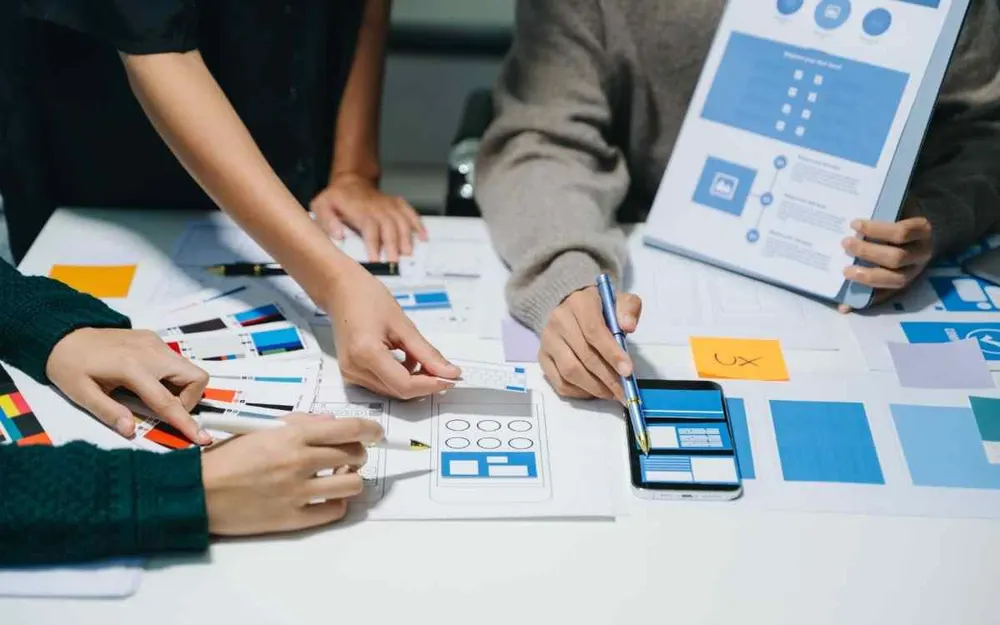
A public website and a field-team mobile app are used by completely different people, in completely different circumstances. The design process reflects that: interfaces get built around how the actual users will hold a phone, read a screen, or fill in a form, rather than a one-size-fits-all layout applied to every project regardless of who it's for.
Native Capability Where It Actually Matters
Not every mobile feature needs native device access, but the ones that do, like camera capture, push notifications, or location, need to work reliably. Building on .NET MAUI keeps a single codebase while still reaching into native APIs for the specific capabilities a project genuinely requires, rather than avoiding native integration altogether for the sake of simplicity.